Windows, without the clutter.
Remove the ads, AI pop-ups and junk apps that come with Windows 11 in a few clicks, on a new PC or the one you have. Try it free, with no account or email needed.

In the Microsoft Store, for Windows 11. A restore point is made first, and one click undoes everything.
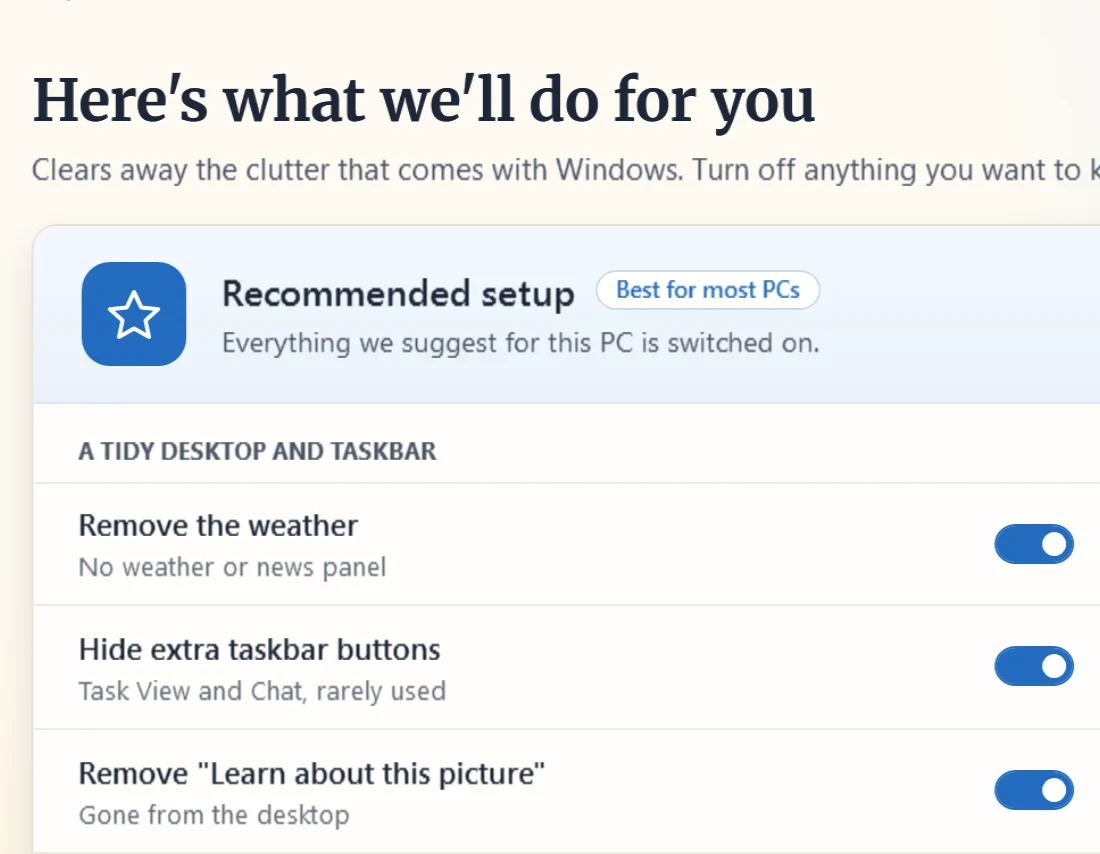
It switches off the parts of Windows 11 nobody asked for.
That’s the free version. The recommended improvements are already picked, and you can skip any of them.
- A clean taskbar. No weather and news panel, no big search box.
- No AI pop-ups. Copilot and Recall are turned off.
- No ads or junk apps. Tips, suggestions and trial games go.
- Fewer interruptions. No surprise restarts or USB pop-ups.
20 improvements in all, free.
What Plus adds
Everything in Free, plus the whole PC set up and ready to use. It’s what we’d do for a parent or grandparent: a browser with an ad blocker, big buttons on the desktop and safer browsing. $14.99, once.
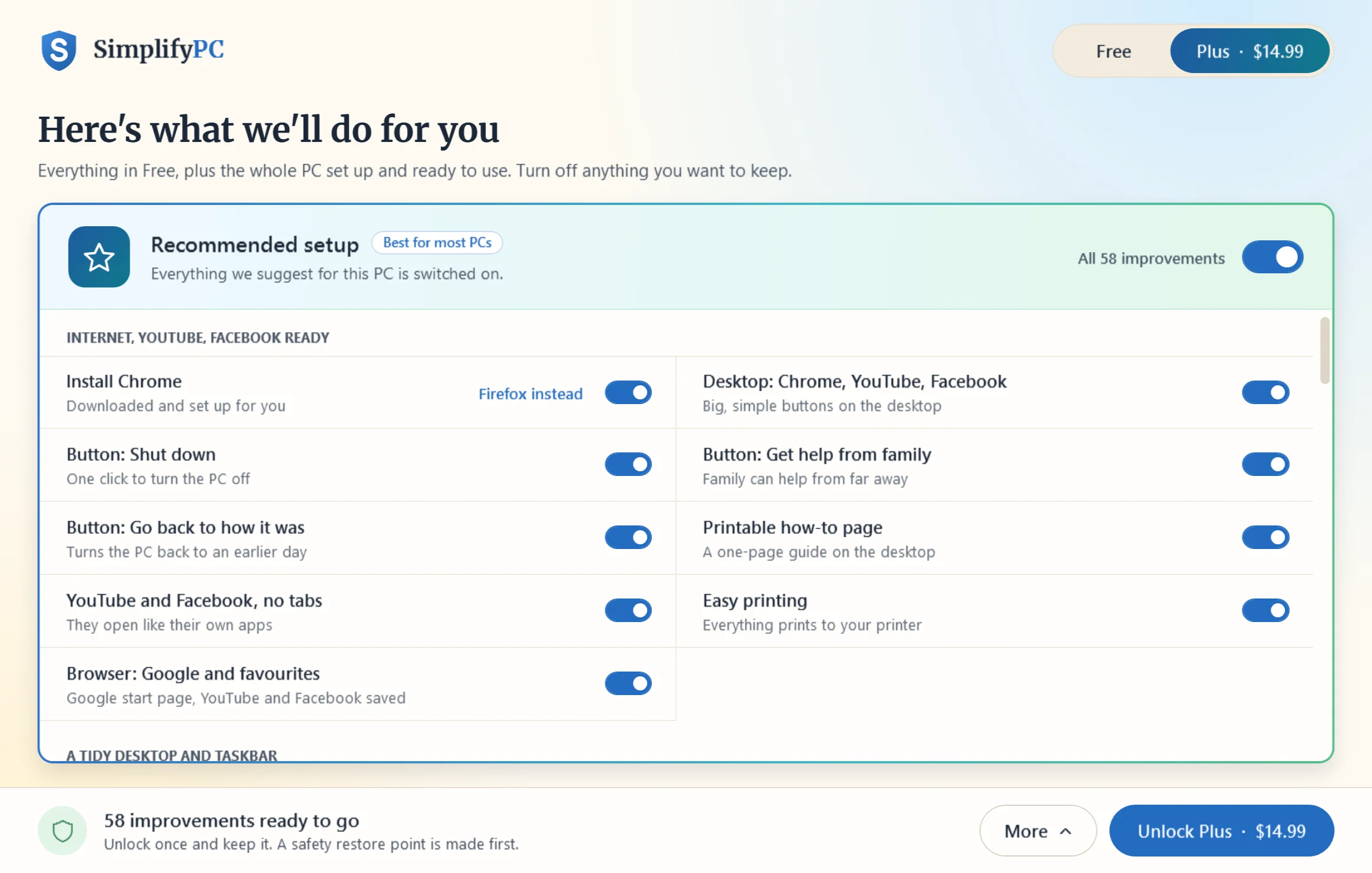
- A browser with an ad blocker
Chrome or Firefox, downloaded and set up for you.
- Big buttons on the desktop
The internet, YouTube and Facebook, clearly named and easy to find.
- Get help from family
Opens Quick Assist, so family can see your screen and help from far away.
- A proper Shut down button
One click turns the PC off properly.
- Safer online
Known scam and malware sites won’t open, and Windows Security scans every week.
- Easier to see and use
Bigger text and icons, and a mouse pointer that’s easier to find.
Your key comes by email. Paste it into SimplifyPC and Plus is unlocked. Not for you? A full refund within 14 days.
How it works
- Open it
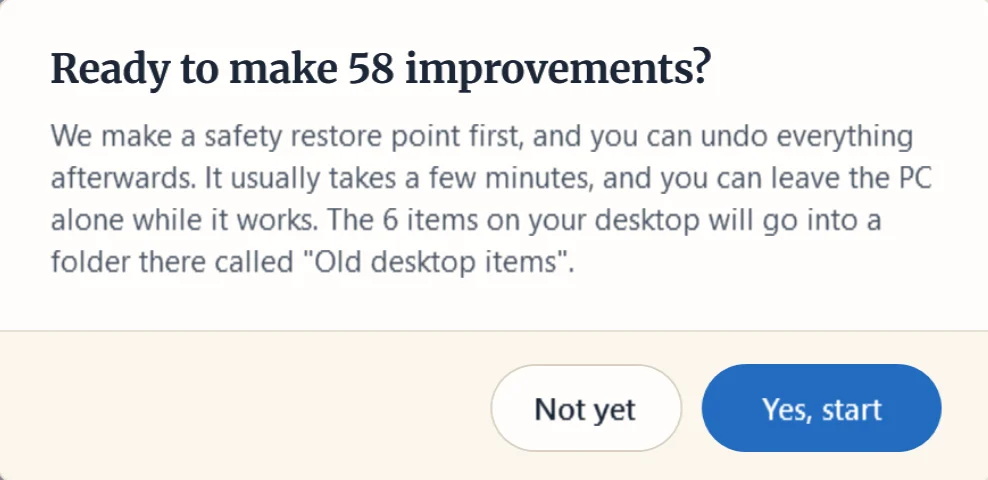
You see everything it can do. The recommended ones are already picked.
- Pick what you want
Skip anything you’d rather leave as it is, then press Start. Nothing changes before that.
- Done in a few minutes
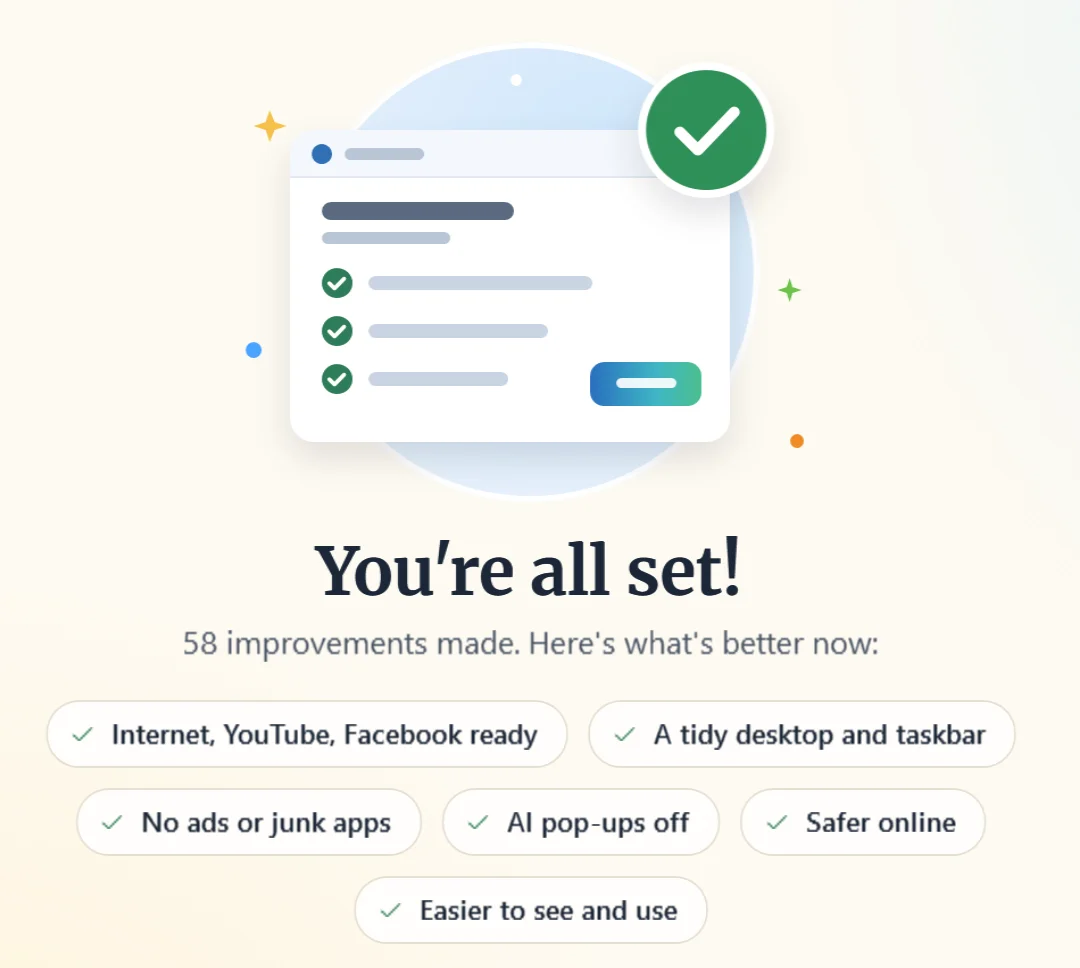
Each one checks off as it goes. Changed your mind? One click on Undo puts things back.
Safe to try
Windows saves a restore point before anything changes, and every setting SimplifyPC changes is remembered, so Undo puts things back. It never deletes your photos, documents or email.
What it costs
Free to use. Plus is $14.99, paid once: no subscription and no account.
Clears the clutter · 20 improvements
- No weather panel or big search box
- Copilot, Recall and AI pop-ups off
- No ads, tips, nags or junk apps
- The classic right-click menu
- No surprise restarts or USB pop-ups
- Preview first, undo anytime
Free to install. No account needed.
The whole setup · 58 improvements
- Everything in Free
- Chrome or Firefox with an ad blocker
- Just the browser, YouTube, Facebook
- Big Shut down and Get help buttons
- Scam sites blocked, weekly virus scan
- Bigger text and icons, easier mouse
A full refund within 14 days. Your key comes by email.
Works on Windows 11, 64-bit. A small download from the Microsoft Store. No account needed.
See all 58 improvements, side by sideQuestions
Something else? Write to [email protected].
- Is it safe?
- Yes. It makes a Windows restore point first and remembers every setting it changes, so Undo puts things back. It never deletes your photos, documents or email.
- Can I put things back?
- Yes, with one click. Settings, shortcuts and Start menu pins all come back. Removed apps don’t, but you can reinstall them free from the Microsoft Store.
- How long does it take?
- A few minutes. The full Plus setup took about two minutes on our test PC, browser download included.
- Does it remove Edge?
- No. Windows needs Edge, so it stays installed. SimplifyPC quiets it and moves it out of the way. Windows has you pick your main browser yourself, so the app opens that page for you.
- What about the antivirus that came with my PC?
- Plus removes trial antivirus like Norton, McAfee or Avast and keeps Windows Defender on. If one asks you to confirm its removal, the app shows you exactly what to click.
- Where can I get it?
- From the Microsoft Store. Click Direct download at the top of this page and your browser downloads a small installer from Microsoft. Open it and it sets SimplifyPC up from the Store, without opening the Store app. Or click Download from the Microsoft Store to see SimplifyPC’s Store page first. Click Yes when Windows asks, and SimplifyPC opens. You don’t need a Microsoft account, and you can remove it from Settings like any other app.
- How do I get Plus?
- Click Get Plus on this page, or in SimplifyPC click the Plus tab, then Unlock Plus, and choose to get a key. You pay once, and your license key shows on the next page and comes by email. Paste it into the app and Plus is unlocked. A key unlocks Plus on one PC.
- Will a Windows update bring the clutter back?
- Sometimes a big update brings a setting back. Open SimplifyPC and press Start again. It only redoes what’s needed.
- Can I do this by hand instead?
- Yes. Every one of the free improvements is a Windows setting. Here’s where each switch lives, step by step. SimplifyPC saves you the twenty trips through Settings and can undo them all with one click.
- Does it work on Windows 10?
- No. SimplifyPC is made for Windows 11. On Windows 10, OkayPC, from the same makers, checks the PC and tells you whether it still gets security updates and whether it can move to Windows 11.
Get it from the Microsoft Store
It installs from the Store and uninstalls from Settings like any other app. Free to try. Plus is there if you want the whole setup.

Questions first? Write to [email protected].